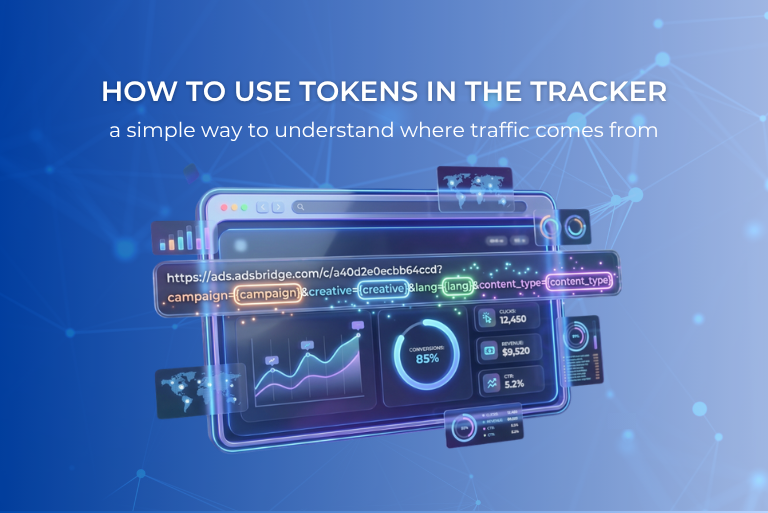
What token is and why it is needed
Token is a parameter that is passed in the campaign link and stored in the tracker statistics.
They allow you to:
- distinguish traffic sources and placements;
- segment traffic;
- understand which creatives perform better.
The main advantage of token is flexibility.
You decide which parameters to pass and how to use them in analytics.
For example, token can be used to pass:
- placement;
- traffic source;
- ad format;
- creative;
- button or banner position;
- any other traffic-related information.
Can multiple tokens be used
Yes. One link can pass multiple parameters at once to get more detailed analytics.

In this case, in the statistics you will be able to see:
- which source and channel bring more traffic and conversions;
- which creative performs better;
- effectiveness by device type (mobile / desktop);
- performance by placement zones (where ads work better);
- the impact of audience language on conversions;
- additional parameters such as auction ID or placement domain.
However, it is important to consider the specifics of the AdsBridge system.
The tracker has main tokens and additional tokens.

- There can be up to 9 main tokens, and they are the ones displayed in the tracker statistics.
- Additional tokens are not stored in AdsBridge statistics, but they can be passed further to the affiliate network side, where you can view their values.
Thanks to this, you can:
- combine placement, format, creative, etc.;
- build your own analytics system.
The main thing is to follow a consistent naming logic so that the statistics remain clear and easy to analyze.
When manual token passing is the optimal solution
Let’s consider a typical task.
Task
- one offer;
- several placements;
- one campaign;
- clean and clear statistics.
Example
- you have two Telegram channels;
- you send traffic to the same offer;
- you want to see results for each channel separately.
In this case, creating separate campaigns for each placement is a waste of time.
It is easier and more efficient to use token in the campaign link.
How to implement this in AdsBridge
Step 1. Create one campaign
Create a single campaign for the required offer.
During setup, specify the Token parameter, for example:
source = {source}

This means the tracker will expect the source parameter in the link and save it into Token 1.
Step 2. Get the base campaign link

After setting up the campaign, you will get a link like:
https://example.abadit5rckb.com/c/a40d2e0ecbb64ccd?source={source}
This is the base link template.
Step 3. Manually tag links for different placements
Now instead of {source}, you manually replace it with a value corresponding to the placement.
Example
Telegram channel “Arbitrage”
https://example.abadit5rckb.com/c/a40d2e0ecbb64ccd?source=Arbitrage
Telegram channel “MakeMoney”
https://example.abadit5rckb.com/c/a40d2e0ecbb64ccd?source=MakeMoney
The offer and campaign remain the same.
Only the Token value changes.
What you will see in statistics
In tracker reports:
- Token 1 will show values Arbitrage and MakeMoney;
- you immediately see which placement brings traffic;
- you can compare clicks, conversions, and efficiency.

This approach is especially useful if:
- links are placed manually;
- the source does not pass parameters automatically;
- you work with Telegram, email, or native formats.
Example 2: tracking clicks on email buttons
Let’s consider a typical task:
- one email with an offer;
- 3 buttons inside the email;
- you want to see which button users click more often;
- additionally, you need to consider email design, language, content type, and mailing base;
Solution using Token
You need to use tokens for each parameter.

The campaign link for your campaign may look like:
https://example.abadit5rckb.com/c/a40d2e0ecbb64ccd?campaign={campaign}&button={button}&design={design}&lang={lang}&content_type={content_type}
Where:
- campaign – mailing name / database;
- button – number or position of the button in the email;
- design – email design variation;
- lang – email language;
- content_type – email type (promo, newsletter, info, etc.).
Example links for one mailing
All parameters except button are the same (same base, language, design, and content type):
When you launch other mailings (with a different base, language, design, or content type), simply change the corresponding campaign, design, lang, and content_type parameters to the required values.
What you will see in statistics

In AdsBridge reports you will be able to see:
- which button position brings more traffic;
- which email design performs better (if there are multiple variations);
- which campaign / database is more effective;
- which email language shows better results;
- which content type generates more clicks and conversions.
This approach allows you to:
- avoid creating separate campaigns for each button or database;
- perform detailed email analytics;
- keep all statistics in one campaign.
Common mistake
Instead of using tokens, many users:
- create separate campaigns for each placement;
- duplicate offers;
- or do not tag links at all.
As a result:
- statistics become fragmented;
- analysis becomes more difficult;
- scaling becomes inconvenient.
Dynamic token passing from traffic sources
In all examples above, we considered manual (static) token passing, where you define parameter values in the link yourself.
However, another approach is often used – dynamic passing of data from traffic sources.
This is relevant when you:
- buy traffic in ad networks;
- want to automatically receive data about placements, creatives, campaigns, and other parameters.
In such scenarios, the source automatically inserts values into tokens (for example, campaign ID, creative ID, zone ID, etc.), and the tracker receives and stores this data in statistics and can forward it to the affiliate network side if needed.
To simplify this process, AdsBridge provides ready-made traffic source templates.

How source templates work in the tracker
AdsBridge has ready-made source templates with token passing already configured.
In this case:
- you select a source from the list;
- data from the advertising platform is passed into statistics.
In such a scenario:
- a separate campaign is created for each source;
- campaign links automatically generate actual traffic source parameters from the template;
- statistics display campaign, ad set, creative, and other data (depending on what your traffic source sends).
This is the standard and correct way to work with ad networks.
Conclusion
Token is a simple but powerful analytics tool.
One campaign and different tokens allow you to:
- store all data in one place;
- quickly analyze traffic performance;
- make decisions based on data, not assumptions.